admin
admin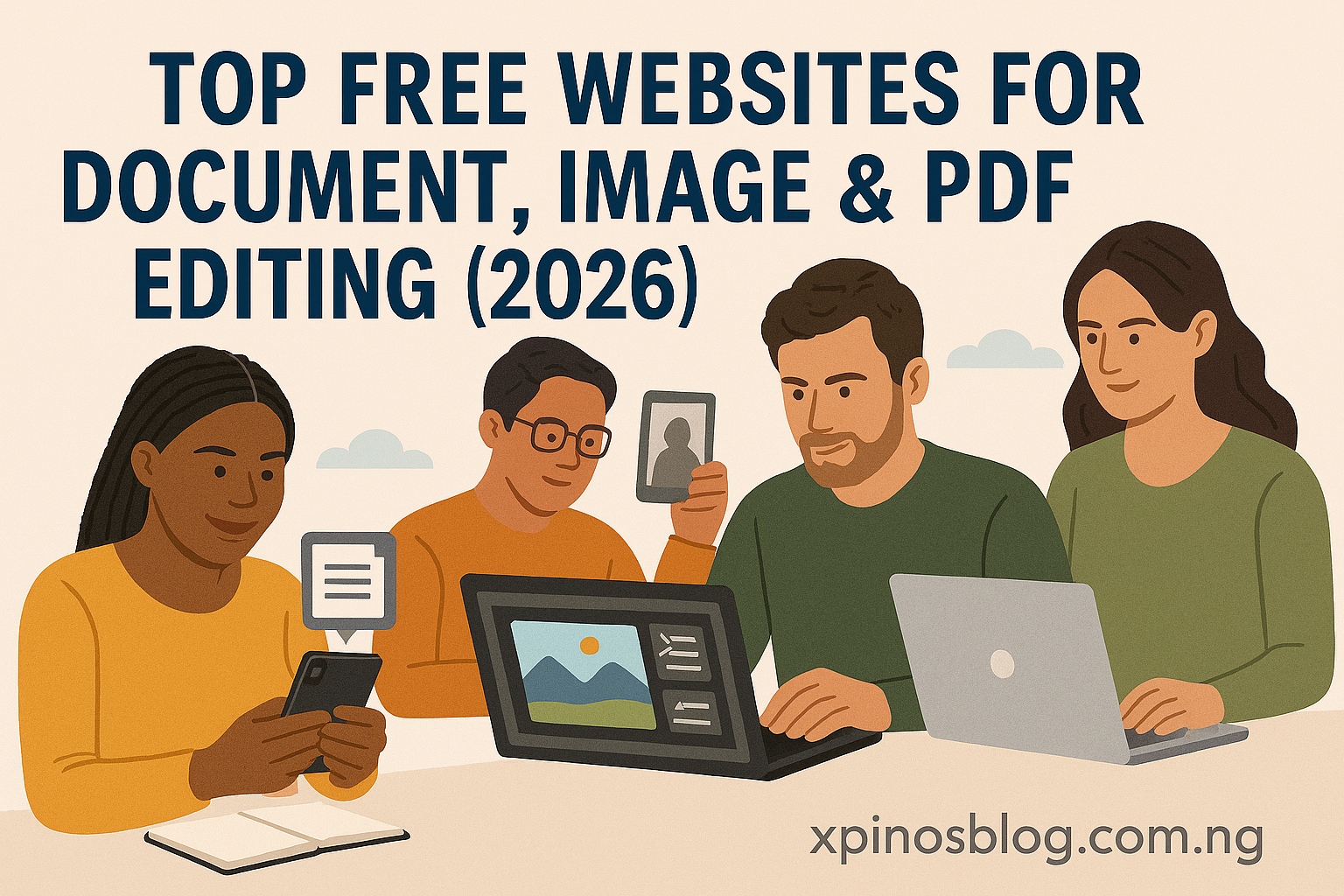
These online tools are 100% free, easy to use, and usable on any device — perfect for students, job seekers, entrepreneurs, and anyone who needs to edit files without buying software.
📄 1. Document & PDF Editing
📝 DocHub – Online PDF Editor
A powerful web-based editor for PDFs — edit text, add images, annotate, fill forms and sign documents right in your browser.
👉 https://www.dochub.com/pdf-editor
📸 2. Image Editing & Resizing
🖼️ PicDitt – Free Online Image & PDF Tools
Over 50 free tools for image editing, resizing, compressing, converting formats, and working with PDFs — all in your browser without accounts or uploads.
👉 https://picditt.com/
✂️ Editobox – Free Image & PDF Editor
Simple and effective tools for cropping, resizing, compressing images and editing PDFs — no registration required.
👉 https://editobox.com/
📸 Pix2Docs – Image & PDF Converter
Convert, resize, compress, merge and transform images and PDFs with easy online controls — no downloads or accounts.
👉 https://pix2docs.com/
📄 3. PDF Conversion & Management
📦 GenZDoc – All-in-One File Tools
A free suite of online PDF and image tools — compress PDFs, convert Word to PDF, merge/split files, convert image formats, and more.
👉 https://genzdoc.com/
📚 Zappy Tools – Free PDF Maker & Converter
Fast and free tools to compress, convert, merge or resize PDFs and images — no login, no sign-up.
👉 https://zappy.tools/
💡 Bonus Tools Worth Trying
While the focus here is on completely free online tools, there are also other web platforms many people use that have useful free features (some with optional paid upgrades):
- BulkResizePhotos – simple free tool to resize or compress images in bulk (https://bulkresizephotos.com/en)
- Smallpdf – easy PDF editor with free daily tools for basic edits and conversions (https://smallpdf.com/edit-pdf)
🚀 Why These Tools Are Useful
✔ No downloads or software needed
✔ Works on Windows, Mac, Linux, and mobile
✔ No registration for most tools
✔ Great for CV editing, job applications, school projects, social media images, portfolios
✔ Free and easy — ideal for beginner
📌 Quick Use-Case Tips
📍 Resize images for job applications & LinkedIn: Use PicDitt or Editobox
📍 Compress big PDFs for email portals: Use GenZDoc or Zappy Tools
📍 Fill and sign PDFs online: Use DocHub
📍 Convert Word documents to PDF: Use GenZDoc